flink-cdc同步mysql數據到hive
本文首發於我的個人部落格網站 等待下一個秋-Flink
什麼是CDC?
CDC是(Change Data Capture 變更數據獲取)的簡稱。核心思想是,監測並捕獲資料庫的變動(包括數據 或 數據表的插入INSERT、更新UPDATE、刪除DELETE等),將這些變更按發生的順序完整記錄下來,寫入到消息中間件中以供其他服務進行訂閱及消費。

1. 環境準備
-
mysql
-
Hive
-
flink 1.13.5 on yarn
說明:如果沒有安裝hadoop,那麼可以不用yarn,直接用flink standalone環境吧。
2. 下載下列依賴包
下面兩個地址下載flink的依賴包,放在lib目錄下面。
如果你的Flink是其它版本,可以來這裡下載。
說明:我hive版本是2.1.1,為啥這裡我選擇版本號是2.2.0呢,這是官方文檔給出的版本對應關係:
| Metastore version | Maven dependency | SQL Client JAR |
|---|---|---|
| 1.0.0 - 1.2.2 | flink-sql-connector-hive-1.2.2 |
Download |
| 2.0.0 - 2.2.0 | flink-sql-connector-hive-2.2.0 |
Download |
| 2.3.0 - 2.3.6 | flink-sql-connector-hive-2.3.6 |
Download |
| 3.0.0 - 3.1.2 | flink-sql-connector-hive-3.1.2 |
Download |
官方文檔地址在這裡,可以自行查看。
3. 啟動flink-sql client
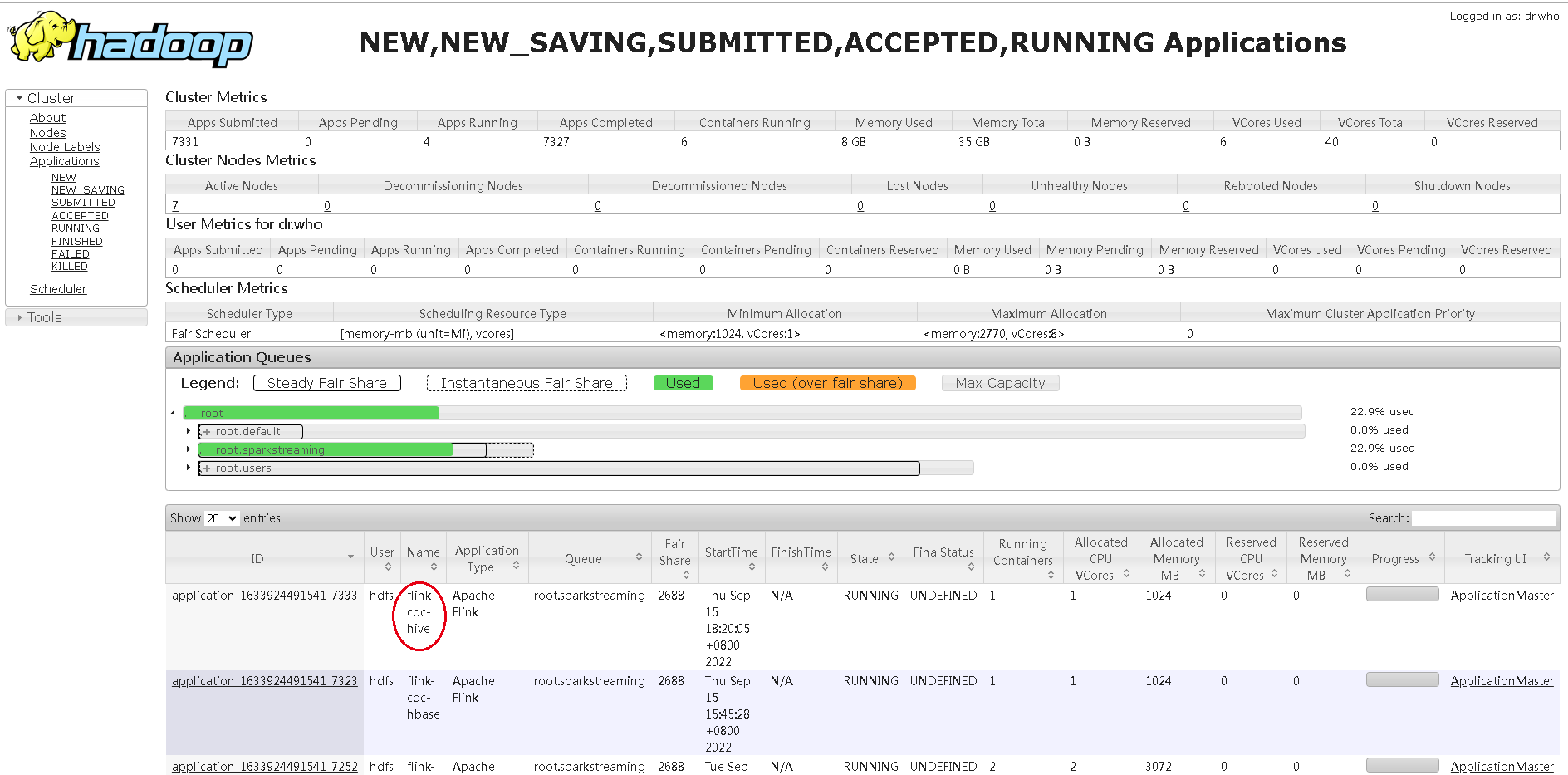
- 先在yarn上面啟動一個application,進入flink13.5目錄,執行:
bin/yarn-session.sh -d -s 2 -jm 1024 -tm 2048 -qu root.sparkstreaming -nm flink-cdc-hive
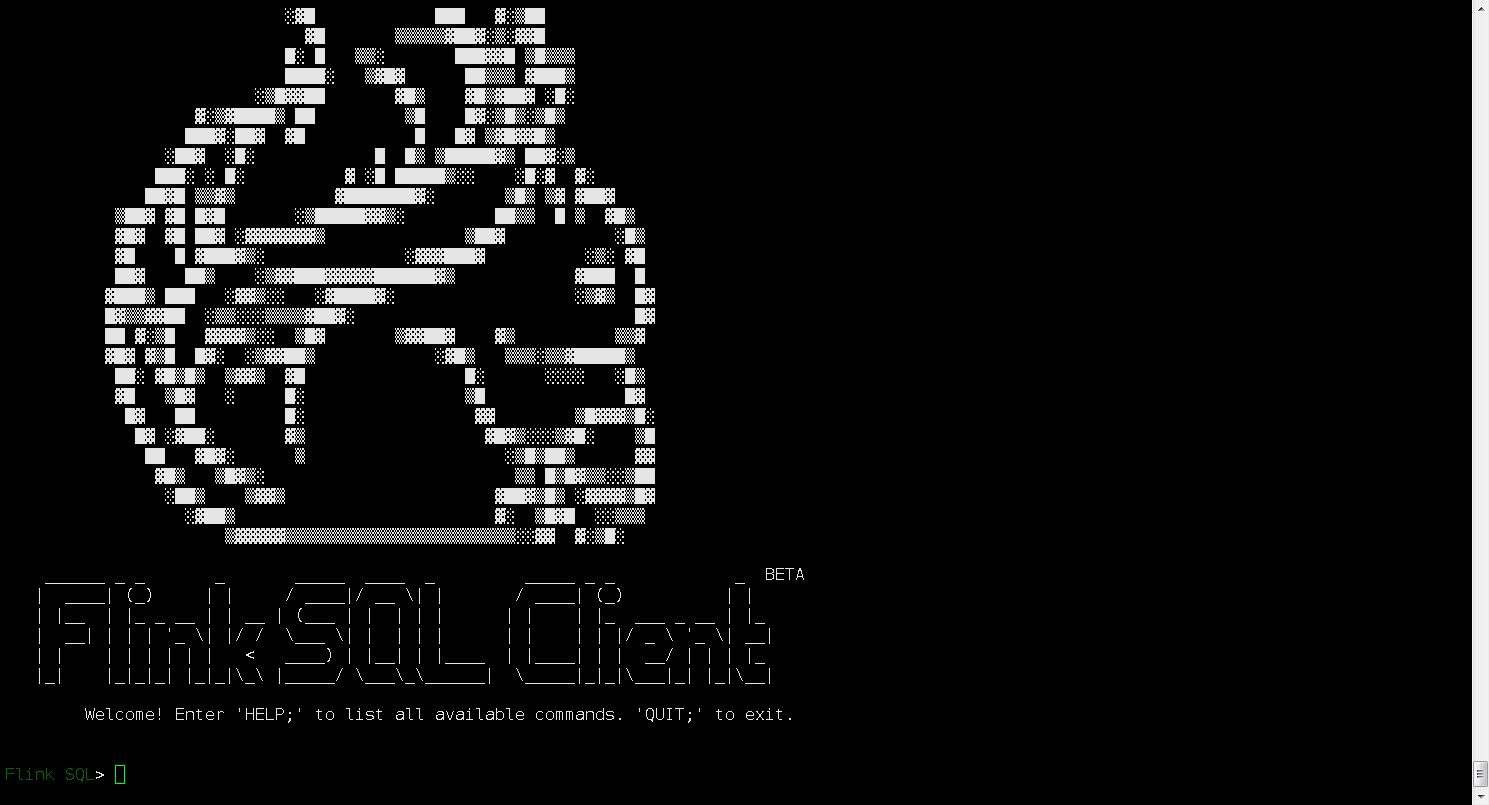
- 進入flink sql命令行
bin/sql-client.sh embedded -s flink-cdc-hive
4. 操作Hive
1) 首選創建一個catalog
CREATE CATALOG hive_catalog WITH (
    'type' = 'hive',
    'hive-conf-dir' = '/etc/hive/conf.cloudera.hive'
);
這裡需要注意:hive-conf-dir是你的hive配置文件地址,裡面需要有hive-site.xml這個主要的配置文件,你可以從hive節點複製那幾個配置文件到本台機器上面。
2) 查詢
此時我們應該做一些常規DDL操作,驗證配置是否有問題:
use catalog hive_catalog;
show databases;
隨便查詢一張表
use test
show tables;
select * from people;
可能會報錯:

把hadoop-mapreduce-client-core-3.0.0.jar放到flink的Lib目錄下,這是我的,實際要根據你的hadoop版本對應選擇。
注意:很關鍵,把這個jar包放到Lib下面後,需要重啟application,然後重新用yarn-session啟動一個application,因為我發現好像有快取,把這個application kill 掉,重啟才行:
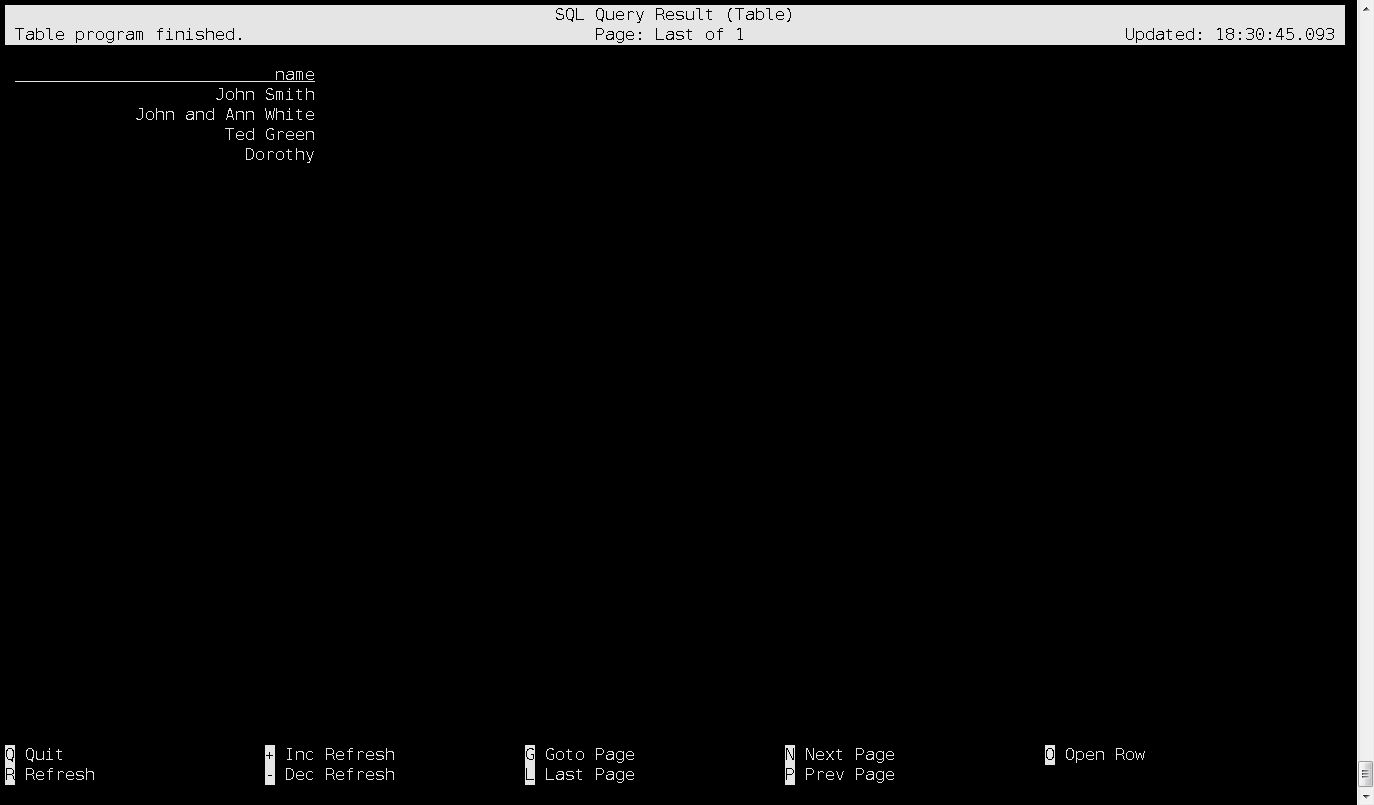
然後,數據可以查詢了,查詢結果:
5. mysql數據同步到hive
mysql數據無法直接在flink sql導入hive,需要分成兩步:
- mysql數據同步kafka;
- kafka數據同步hive;
至於mysql數據增量同步到kafka,前面有文章分析,這裡不在概述;重點介紹kafka數據同步到hive。
1) 建表跟kafka關聯綁定:
前面mysql同步到kafka,在flink sql裡面建表,connector='upsert-kafka',這裡有區別:
CREATE TABLE product_view_mysql_kafka_parser(
`id` int,
`user_id` int,
`product_id` int,
`server_id` int,
`duration` int,
`times` string,
`time` timestamp
) WITH (
 'connector' = 'kafka',
 'topic' = 'flink-cdc-kafka',
 'properties.bootstrap.servers' = 'kafka-001:9092',
 'scan.startup.mode' = 'earliest-offset',
 'format' = 'json'
);
2) 建一張hive表
創建hive需要指定SET table.sql-dialect=hive;,否則flink sql 命令行無法識別這個建表語法。為什麼需要這樣,可以看看這個文檔Hive 方言。
-- 創建一個catalag用戶hive操作
CREATE CATALOG hive_catalog WITH (
    'type' = 'hive',
    'hive-conf-dir' = '/etc/hive/conf.cloudera.hive'
);
use catalog hive_catalog;

-- 可以看到我們的hive裡面有哪些資料庫
show databases;
use test;
show tables;
上面我們可以現在看看hive裡面有哪些資料庫,有哪些表;接下來創建一張hive表:
CREATE TABLE product_view_kafka_hive_cdc (
  `id` int,
`user_id` int,
`product_id` int,
`server_id` int,
`duration` int,
`times` string,
`time` timestamp
) STORED AS parquet TBLPROPERTIES (
  'sink.partition-commit.trigger'='partition-time',
  'sink.partition-commit.delay'='0S',
  'sink.partition-commit.policy.kind'='metastore,success-file',
  'auto-compaction'='true',
  'compaction.file-size'='128MB'
);
然後做數據同步:
insert into hive_catalog.test.product_view_kafka_hive_cdc
select *
from
default_catalog.default_database.product_view_mysql_kafka_parser;
注意:這裡指定表名,我用的是catalog.database.table,這種格式,因為這是兩個不同的庫,需要明確指定catalog - database - table。
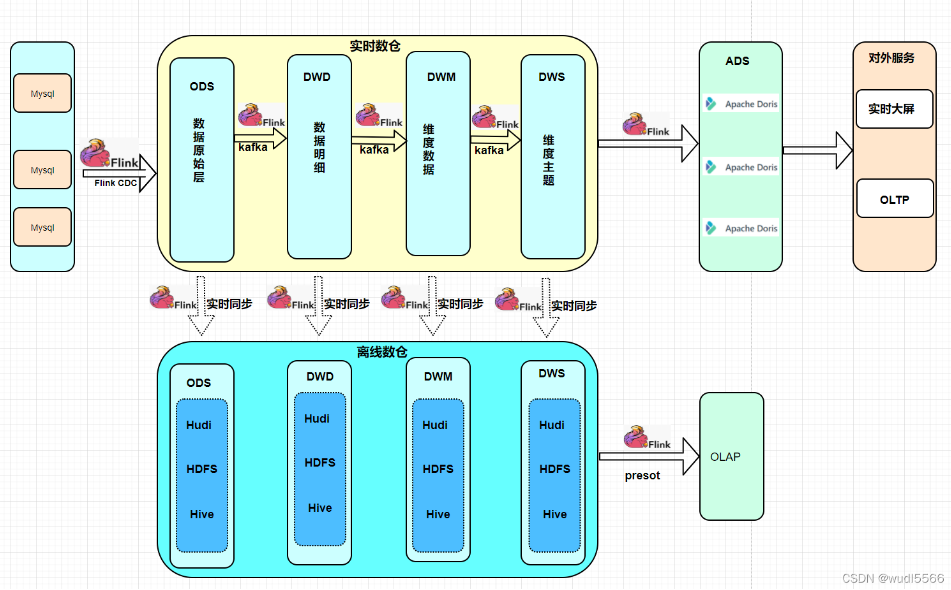
網上還有其它方案,關於mysql實時增量同步到hive:
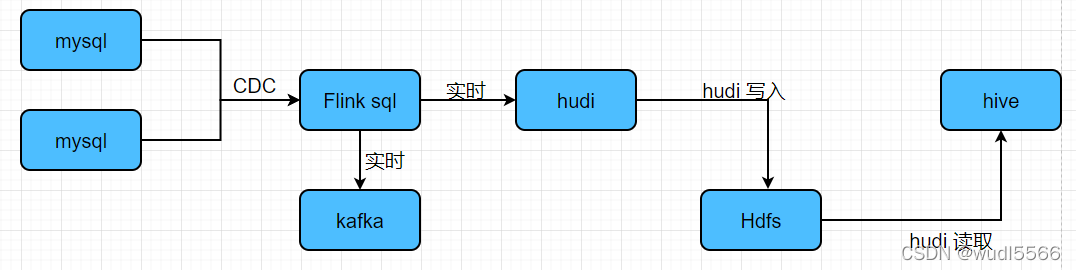
網上看到一篇寫的實時數倉架構方案,覺得還可以:
參考資料
//nightlies.apache.org/flink/flink-docs-release-1.13/zh/docs/connectors/table/hive/hive_dialect/
