idea 將項目託管到 Git 報錯:Can't finish Gitee sharing process
在idea中報: Can't finish Gitee sharing process
Succssully created project 'dmp' on Gitee. but initial commit failed:

並且在 Gitee 倉庫 只有 .git 文件 .
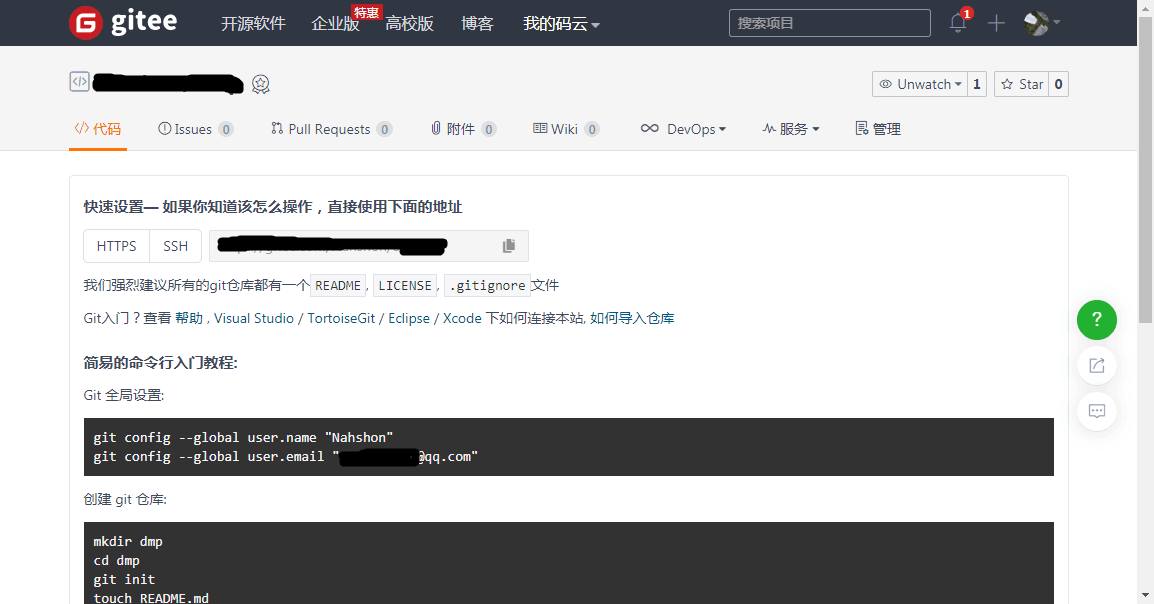
解決辦法:
1、在桌面滑鼠右鍵
2、選擇 Git Bash Here
3、鍵入:git config -- global user.name "你的用戶名"
4、鍵入:git config --global user.email "你的郵箱"
最後在idea中再次託管項目,出現下圖 即託管成功。